Appearance
Widgets
Dashboards in Adept start empty when they are created, but they can be filled with widgets. Adept currently supports 4 widget types: table, text, metric and chart.
Add a widget
Select the dashboard you want to add a widget to.
Click Add widget and choose a widget type.
Use the widget editor to customise your widget.
Click Add to dashboard.
Remove a widget
Click on the widget's ellipsis
⋮icon.Click Delete.
Widget types
Table widget
Table widgets display your dataset and can be filtered directly within the widget editor. Active filters are highlighted with the icon. Additionally, you can select which columns should be displayed in the widget.
- bullet point list of options in the widget editor
Note widget
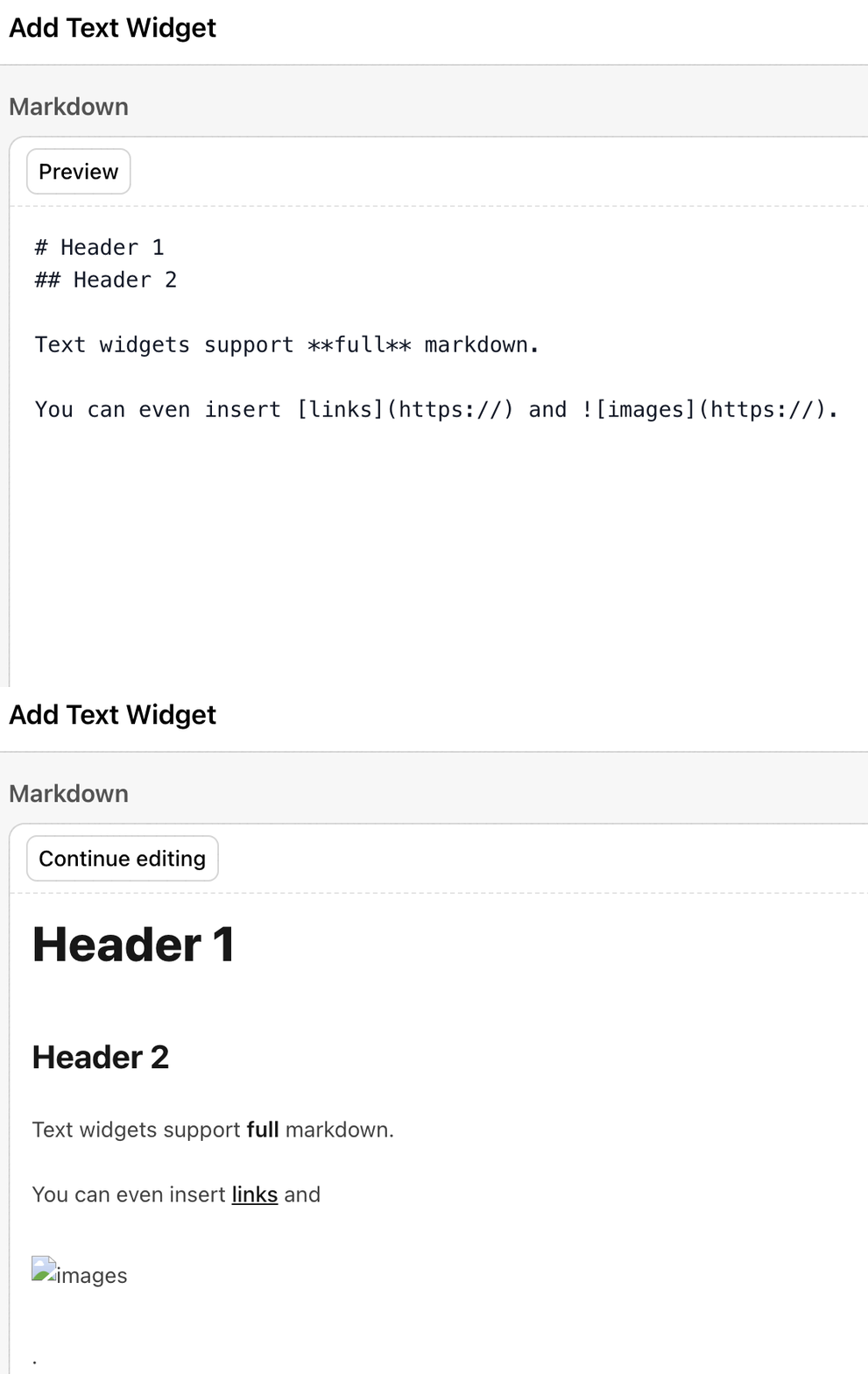
Shows customisable text with support for full markdown syntax.
Metric widget
Displays aggregated data. Adept currently supports the following aggregations:
min,maxaveragemedian- counts:
count,count(unique)
In the widget editor, you can also add a to the displayed metric and adjust the precision of the displayed value.
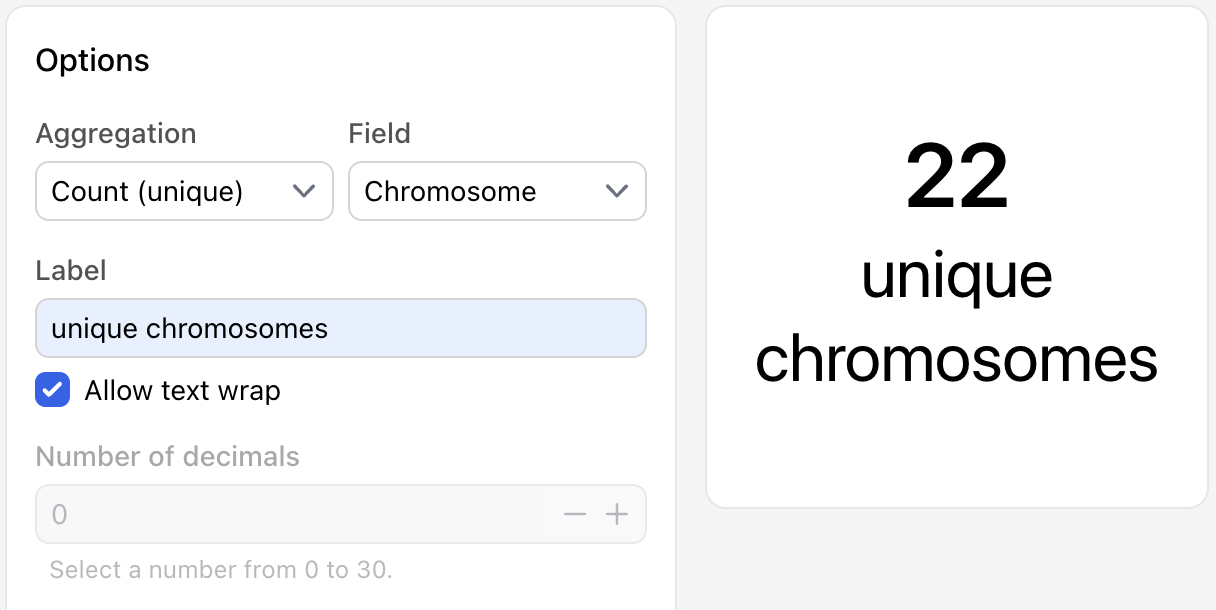
Chart widget
Visualises data using various chart types, including pie, bar and line charts as well as and scatter plots.
- bullet point list of options in the widget editor
--> you can download charts as svg: screenshot

